
Sex Offender Checks in Tuscola County
The Michigan Public Sex Offender Registry, or PSOR, is the primary official search. Michigan State Police manages it. Searchers can use a person’s name, registration number, MDOC number, address, city, ZIP code, or Tuscola County filter. The neighborhood map accepts a location and radius. Separate links show all published, incarcerated, or non-compliant registrants.
PSOR is not a complete criminal-history database. It publishes the part of Michigan’s registration system that law makes public. The Sheriff or another local law-enforcement office may handle registration and verification duties, but the state portal is the practical public search layer. Call the Tuscola County Sheriff before visiting for a registration procedure or to report a concern because local hours and routing can change.
The MSP registry information page explains the public system and its limits.
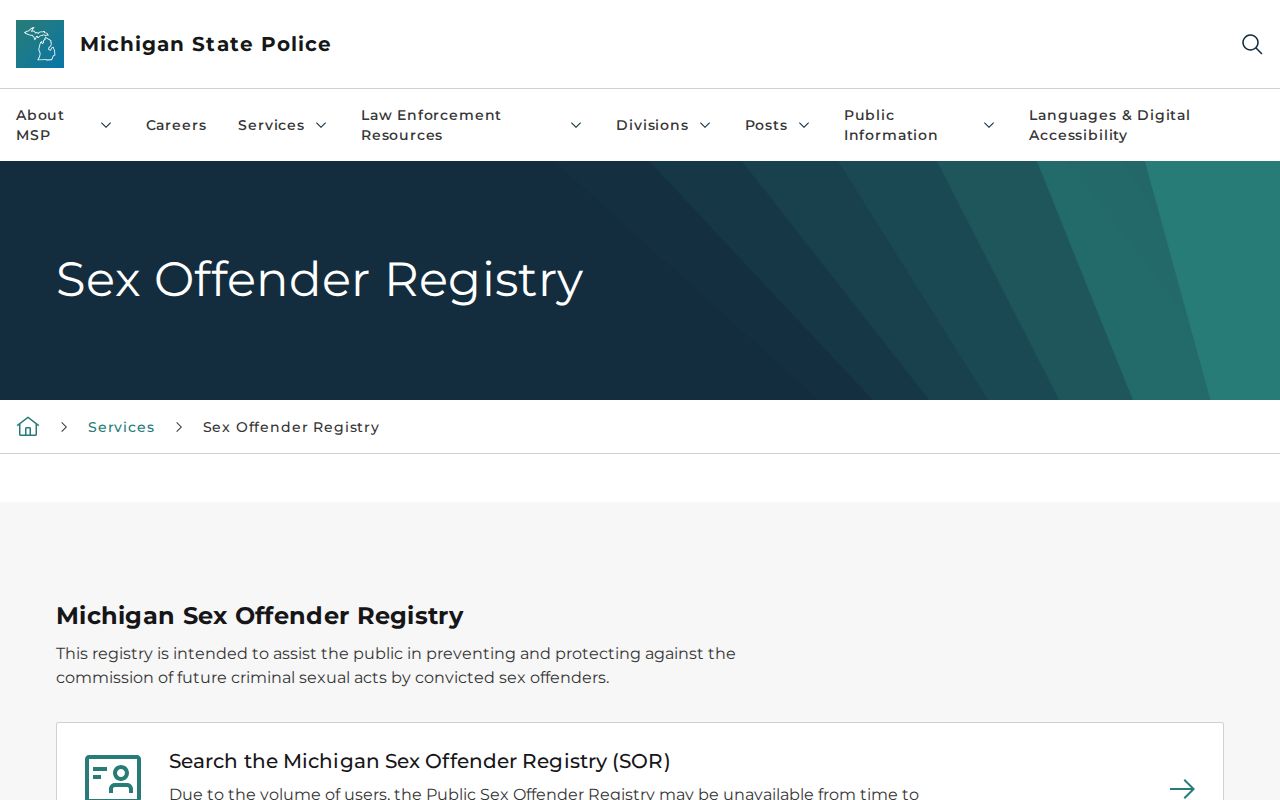
That official explanation should be read with the live PSOR result, especially when a listing is absent or a status is unclear.
Tuscola Offender Map Radius Choices
The PSOR neighborhood map can search around an address with a radius of 0.25, 0.50, 1, 2, or 5 miles. This route supports place-based safety planning without guessing which city boundary applies. Enter enough location detail for the portal to identify the place, then review the pins and individual profiles. A radius is a search filter, not a claim that every person shown is at the same distance or has the same duty.
Address data reflects information reported through the registration process. Status labels, dates, and profile details provide needed context. Do not copy a map result into an unofficial list or use it to confront a person. If a location appears wrong or a registrant may be non-compliant, give the observation to law enforcement.
How to Search the Michigan Public Sex Offender Registry
Choose one route that fits the available facts. A name search accepts partial first and last names. Registration and MDOC numbers are alternate identifiers. A location search can use Tuscola County, a city, ZIP code, or street address with other location data. Avoid over-narrowing the first search. A spelling, address, or status change can affect the result.
- Open PSOR and review the portal conditions and safety notice.
- Search by name or identifier, or choose Tuscola County, city, ZIP, or a mapped address.
- Review the result list and use identity details to avoid confusing similar names.
- Open the full profile and read the status, registration, offense, address, and vehicle fields together.
| Field | Type | Required | Use |
|---|---|---|---|
| First and Last Name | Text | Together for name route | Partial names accepted |
| Registration Number | Text | Alternate route | Use as an identifier |
| MDOC Number | Text | Alternate route | Use one known identifier |
| Street Address | Text | With more location data | Supports the location route |
| City, County, ZIP | Text or selector | Optional | Choose Tuscola for a county search |
| Neighborhood Address | Map input | For map route | Centers the map |
| Radius | Selector | For radius route | 0.25, 0.50, 1, 2, or 5 miles |
| Published Status Lists | Link or filter | No | All, incarcerated, or non-compliant |
The source image from the live PSOR search shows Michigan’s public lookup entry point.
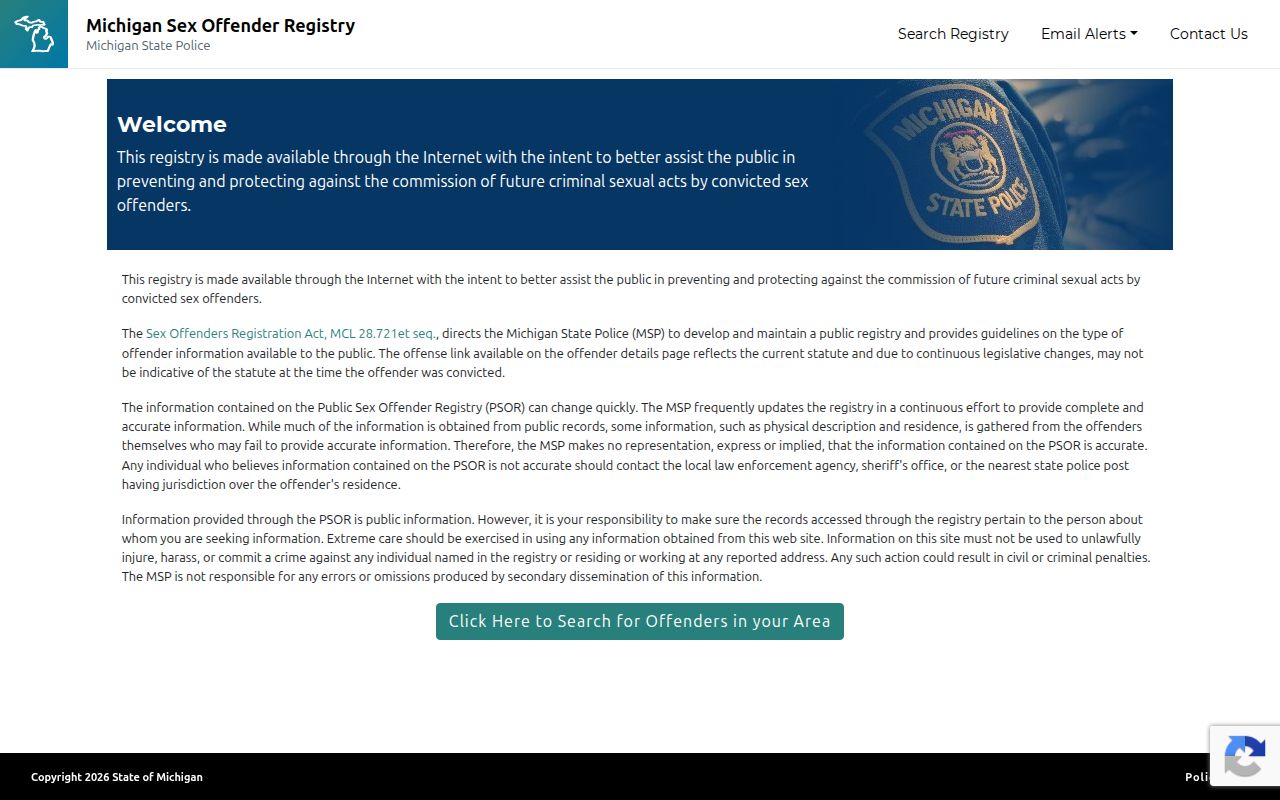
The visible fields support both identity and neighborhood searches while keeping the state portal as the source of the result.
Missing Tuscola Registry Profiles
A conviction that might sound registry-related does not always produce a public PSOR profile. MSP lists several possible reasons, including a juvenile adjudication, death, nonresidency, a qualifying timing issue before 1995, judicial removal, set-aside, HYTA status, an expired registration period, or another nonpublic category. The public registry is narrower than the law-enforcement registry.
High traffic can also make PSOR temporarily unavailable. Try again later rather than treating an error or blank screen as proof that no record exists. Use another spelling, a former city, or the county filter when the first route fails. For an event outside Michigan, use the national search rather than assuming PSOR covers every state.
Inside a Registry Profile
A profile joins identity, registration, offense, location, and compliance information. Read those fields as a set. An address without its status can mislead. A compliance code identifies a reported duty issue, not a new conviction. Victim information is not published.
| Name and Aliases | Lists the published identity and other reported names. |
|---|---|
| Date of Birth and Number | Helps distinguish the correct profile and registration record. |
| Photo and Marks | Can show a photo plus scars, marks, tattoos, and descriptors. |
| Offense Information | States the published qualifying offense details. |
| Address and Campus | Shows published residence and higher-education information. |
| Vehicles | Lists public vehicle information reported to the registry. |
| Registration Status | Can show Active, Incarcerated, Out of State, Absconder, Homeless, School Only, or Employment Only. |
| Compliance Violation | Can flag address, campus, employment, registration, verification, false-information, or fee issues. |
Status terms describe the registration record. “Absconder” is not the same as “homeless,” and “Pending Out of State” differs from “Inactive Out of State.” Review the portal’s current description before interpreting a label.
Track Tuscola Registry Profile Changes
PSOR offers a “Track Offender” tool from a public profile. Enter an email address twice, acknowledge the Terms of Use, and confirm the subscription. MSP says notifications can follow reported changes involving moves, work, or school enrollment. The alert is tied to that profile, so it does not replace a fresh neighborhood or county search.
This feature helps a resident watch a known profile without revisiting it each day. Still, an email message should lead back to the live official record. Do not rely on an old message after a later update. When the safety question concerns a whole area, rerun the Tuscola County sex offender search or the radius map.
Michigan Registration Levels and Requirements
Michigan uses Tier I, II, and III classifications. The tier controls the general duration and verification pattern, subject to statutory exceptions. MSP publishes month schedules for verification. It also says residence, work, legal-name, and higher-education changes generally require in-person reporting within three business days. Temporary lodging over seven straight days, vehicles, phones, and similar changes have their own reporting rules.
| Tier | General duration | General verification |
|---|---|---|
| Tier I | 15 years, subject to reduction and juvenile rules | Annually, generally in the birth month |
| Tier II | 25 years | Semiannually on the birth-month schedule |
| Tier III | Life | Quarterly on the birth-month schedule |
The law defining Michigan’s tiers is available through MCL 28.722. A tier is a statutory registration class. It is not a live risk score for a neighborhood decision. The MSP FAQ also states a $50 initial fee and $50 annual fee until the total reaches the $550 statutory cap.
Tuscola Registry Status Codes
Compliance codes deserve separate attention. An Address violation concerns required address information. Failed to Register and Failed to Verify mark different duties. Campus, work, false-information, and fee codes likewise identify distinct issues. A code should be read exactly as PSOR displays it, with its current status and dates.
- Active
- The public profile is active in the registration system.
- Absconder
- The registry uses this status when required whereabouts are not known under its process.
- Homeless
- The profile indicates no fixed residence as reported under registry rules.
- Failed to Verify
- The displayed compliance issue concerns a required verification event.
- Address Violation
- The displayed issue concerns address reporting and is not the same label as failed registration.
Suspected noncompliance belongs with law enforcement. Supply the profile or registration number, the observed issue, and the place and time if known. Do not investigate, follow, threaten, or confront the registrant or household.
Tuscola and National Offender Searches
The National Sex Offender Public Website, or NSOPW, searches public registry information across participating jurisdictions. It is useful when a person has moved, an address is near a state line, or the relevant state is unknown. PSOR remains the better source for Michigan-specific status explanations, profile tracking, tier guidance, and Tuscola County filters.
The official NSOPW source image shows the cross-state entry point.
A national result should be opened at its contributing jurisdiction so the reader can review the current official profile and local terms.
Community Notification and Lawful Use
Registry information supports personal, family, and neighborhood safety awareness. It does not authorize harassment or vigilantism. A registration visit is not proof of a fresh offense. Public PSOR data is also narrower than law-enforcement data, and an absent public profile should not be turned into a claim about a person.
Use registry data lawfully: MCL 28.728c governs public registry publication and use; threats, intimidation, harassment, vigilantism, or other criminal misuse can lead to legal action.
The source image from MCL 28.728c connects the public registry to Michigan’s publication rules.
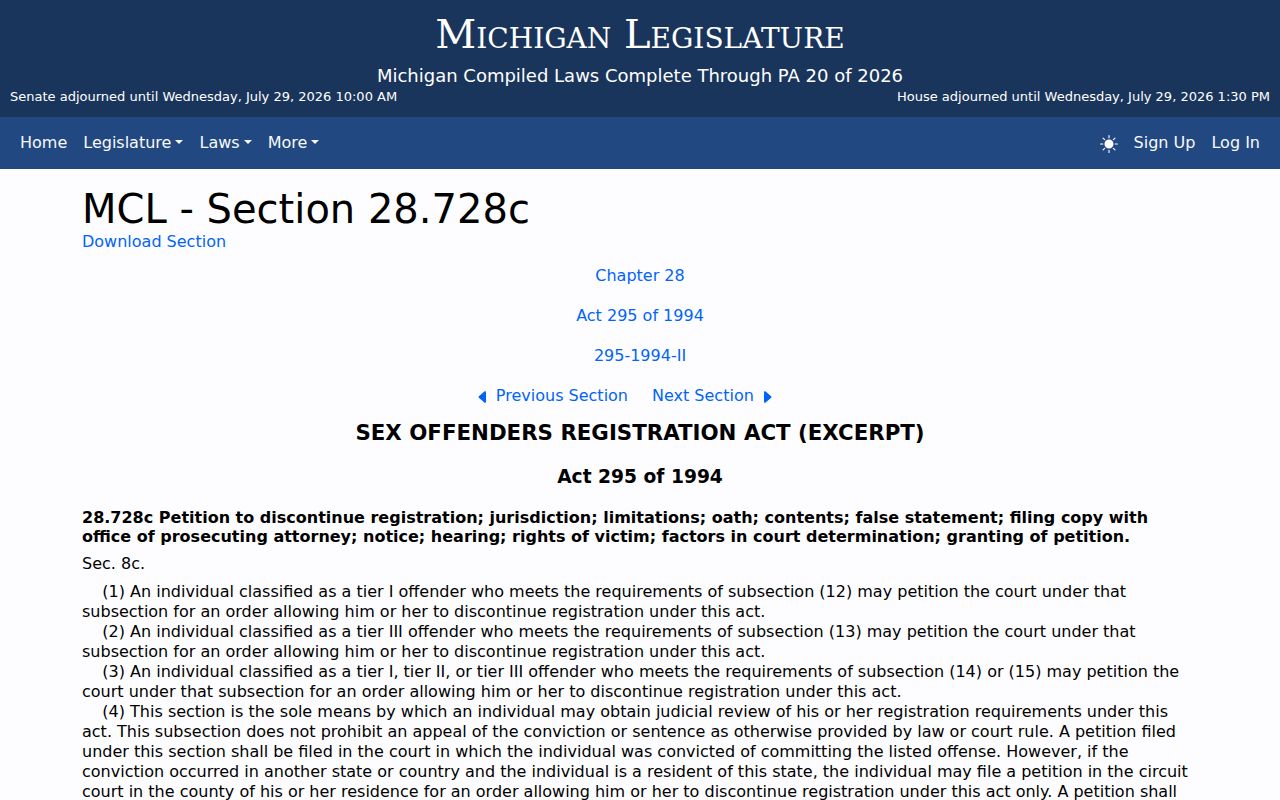
The safe response to suspected noncompliance is a report to the Tuscola Sheriff, local police, or Michigan State Police, not direct contact.